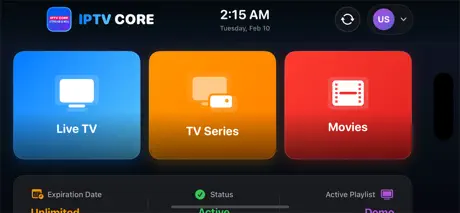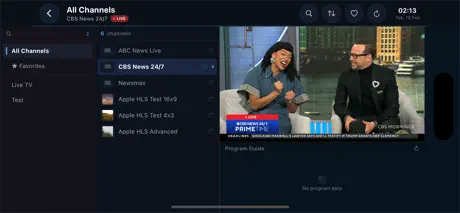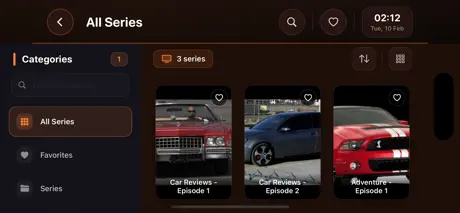
Mobile apps for iOS and Android, enterprise software systems, source code licensing, and ongoing support — all under one roof.
Saykudan has been working hard to keep you satisfied with its great ideas and high quality apps. From our first release to every update we've shipped since — every decision we make is about crafting software that feels right, works flawlessly, and leaves a lasting impression.
So stay updated and tuned to see more from us. We're just getting started.
We provide comprehensive software development services, from initial architecture to final deployment and ongoing maintenance.
From native mobile applications to robust backend architectures, we deliver scalable, high-performance software tailored to your specific business needs.
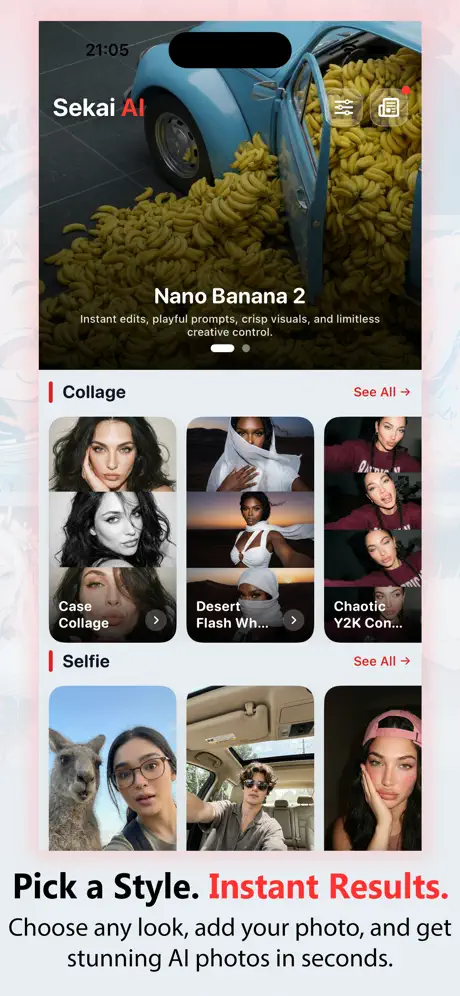
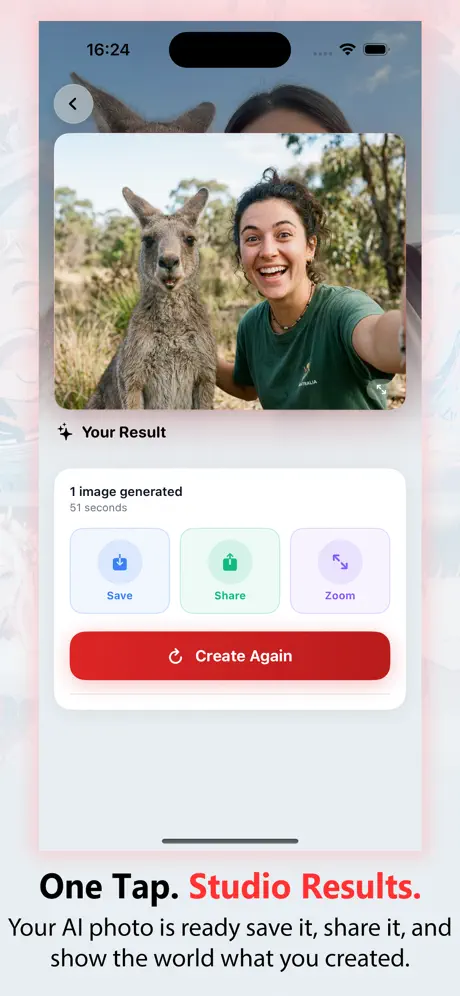
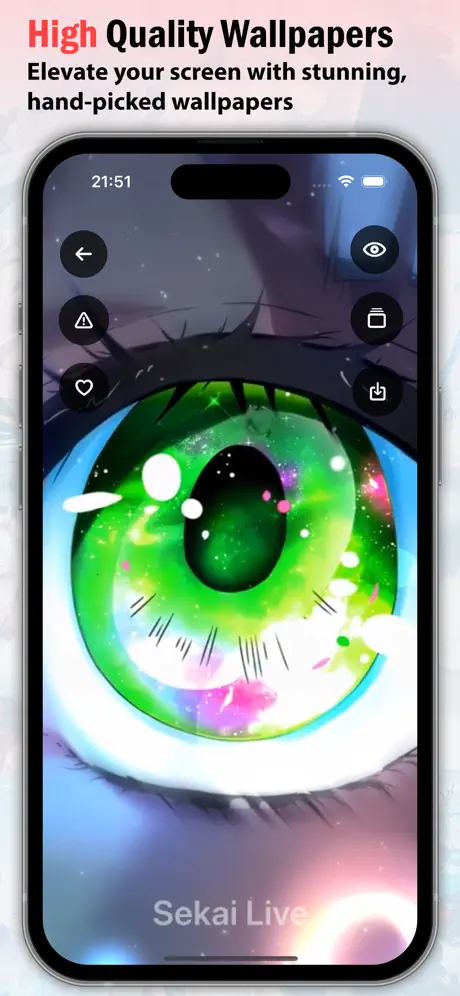
4 apps live on the App Store · Source code available for all
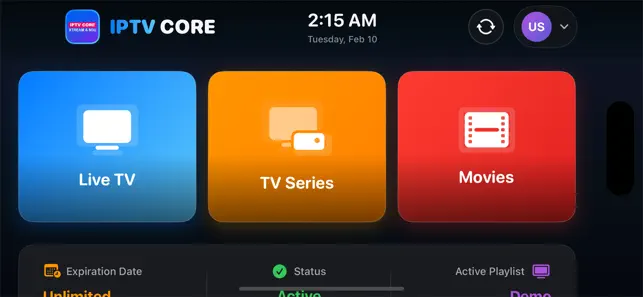
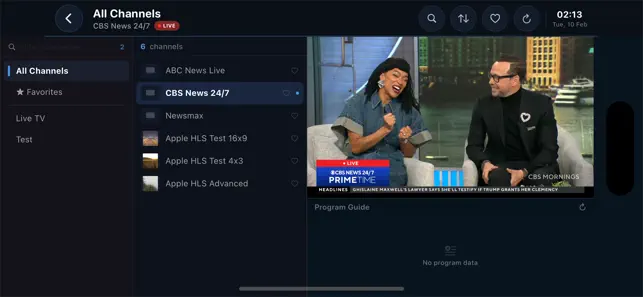
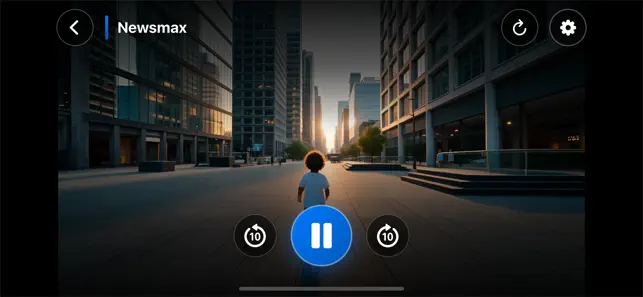
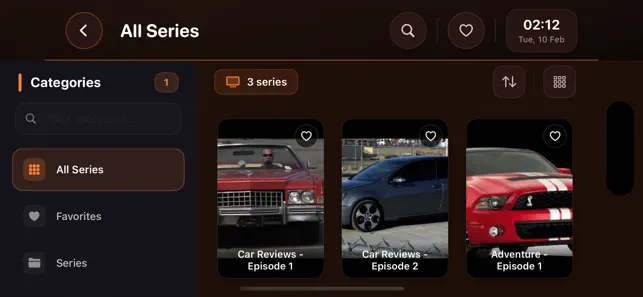


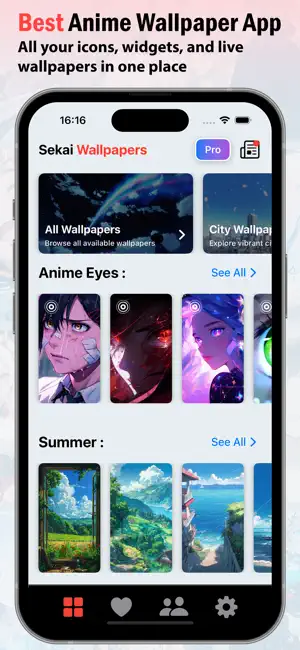


End-to-end software development — from custom mobile apps and enterprise web systems to source code licensing and ongoing maintenance plans.
Real feedback from developers who've used our apps and services.
The IPTV Core source code was incredibly clean and well-documented. We launched our white-label product in under two weeks. Truly professional.
Saykudan fixed our iOS 18 crash within 48 hours, including full Xcode 16 migration. Fast, accurate, and no back-and-forth. Exactly what we needed.
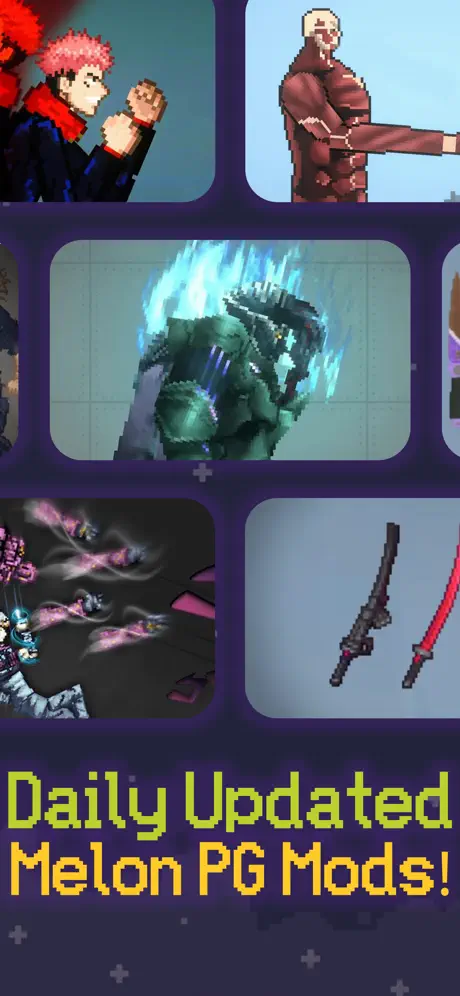
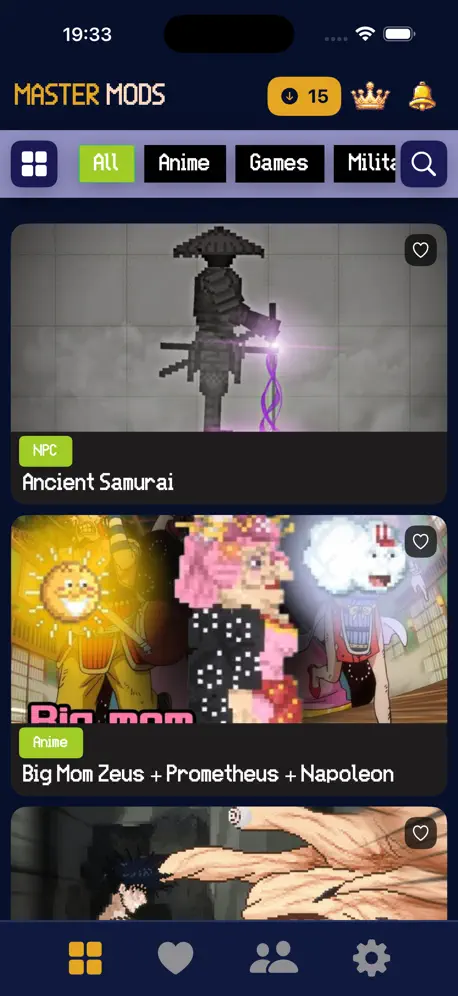
The Mel Mods app codebase is fantastic. We bought the source code, easily customized the mod configurations, and shipped it for our own game platform.
Software breaks — new OS releases, IDE updates, device fragmentation, security vulnerabilities. Below is exactly what we handle. Every fix is scoped, quoted, and invoiced individually.
Every major OS release breaks something. We patch your app for the latest iOS, iPadOS, and Android versions so it doesn't crash, glitch, or get pulled from the store.
System software updates on smart TVs can break existing functionality. We provide complete maintenance and fixes for Apple TV, Android TV, Tizen, and WebOS.
Streaming devices run modified Android with hardware limitations. We debug performance issues, codec problems, remote input bugs, and sideload compatibility.
MIUI, One UI, ColorOS, LineageOS — each OEM ships modified Android that breaks standard behavior. We test and fix for every major ROM and manufacturer skin.
IDE updates break builds constantly — new Swift versions, Gradle changes, signing issues, dependency conflicts. We fix your project so it compiles and ships cleanly.
App Store rejections, Play Store policy violations, data privacy requirements, and security vulnerabilities — we resolve them and get your app back online.
Everything you need to know before reaching out.
Tell us about your project, request a source code license, or get help fixing a system error. We'll respond with a clear proposal and timeline.
We reply within 1 business day